Phototo3d

Image-led modeling

Plan a photo to 3d online project

A photo to 3d online workflow begins with a useful reference and a clear goal for the model. Phototo3d helps you think through the image, the intended shape, and the details a single view leaves unknown before you continue to a 3D tool.

Free to start · no signup
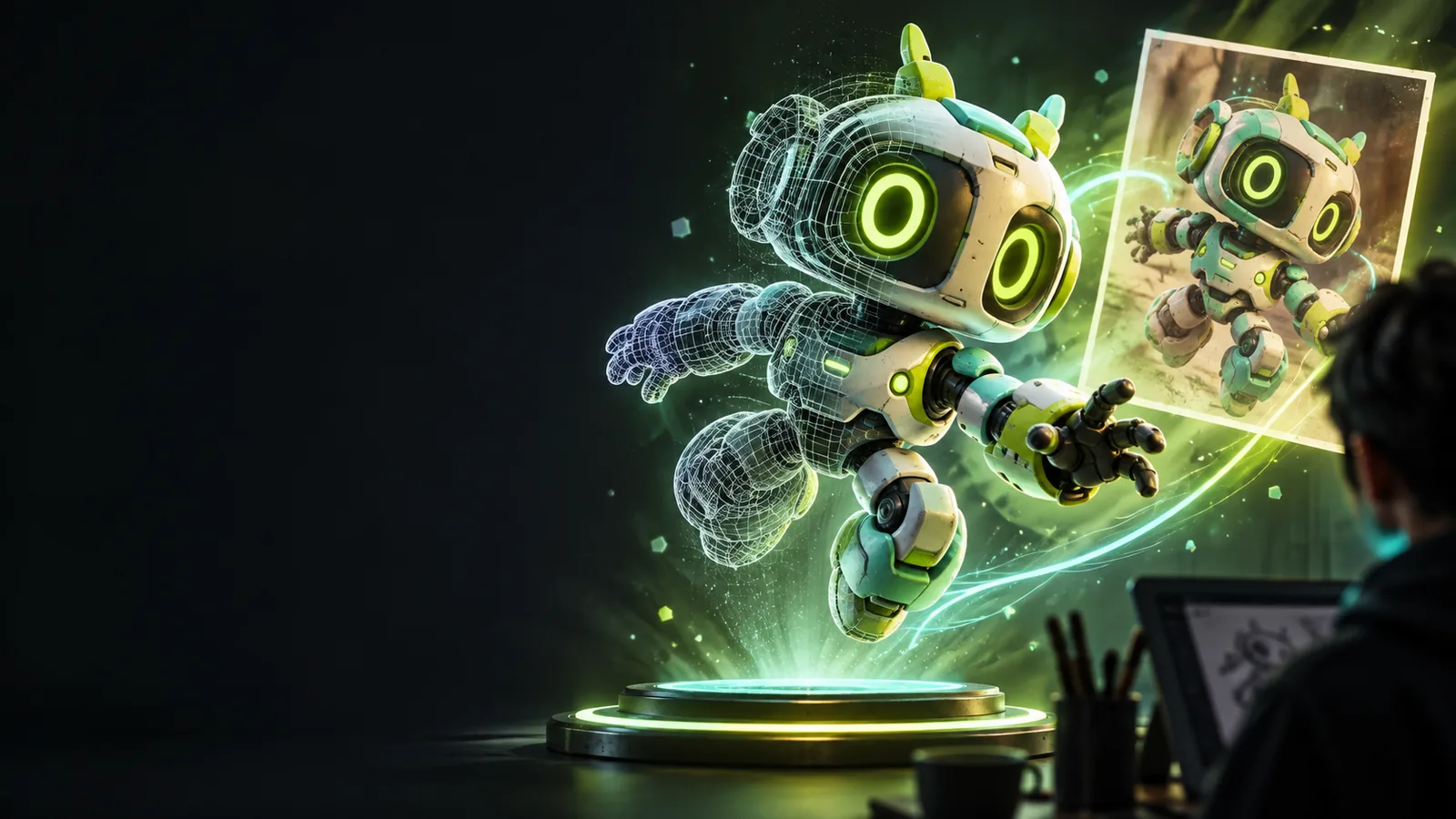
A visual example of an object presented as a 3D model

One image, a clearer modeling goal

The best starting reference depends on what you need to do with the result. These projects call for different levels of shape, surface detail, and accuracy.

Curious beginners

You have an object photo but are unsure whether the result should be a raised image, a rotating model, or something else.

Name the kind of depth you want before choosing a workflow; what is photo to 3d explains the distinction.

what is photo to 3d

First-time makers

You want to work from a picture of a small household object and need an order for preparing the reference and reviewing the result.

Follow the checks in photo to 3d tutorial step by step rather than treating the first output as finished.

photo to 3d tutorial step by step

Visual storytellers

You are testing whether a pet portrait, sketch, or prop photo gives a useful starting point for a stylized object.

Compare subjects and likely outcomes in photo to 3d examples online before committing to one reference.

photo to 3d examples online

Print hobbyists

You need a physical object, not just a convincing preview, and your photo does not show the underside or back.

Check the additional geometry work covered in convert image to 3d model for printing.

convert image to 3d model for printing

Three decisions behind an image-led model

A browser-based starting point can make it easier to explore an idea, but the reference and your review still determine whether the shape is useful.

  1. 1

    Choose a readable view

    Pick a sharp image with the subject separated from its background. A three-quarter view can reveal more of an object's depth than a straight-on portrait, while even lighting makes edges easier to interpret.

  2. 2

    State the shape you need

    Describe the main parts, their relative proportions, and the intended use. Say whether you need a visual concept or geometry for later editing; a photo alone cannot communicate that requirement.

  3. 3

    Inspect the uncertain areas

    Look at the back, underside, thin features, and places hidden by shadows. Treat any geometry inferred from those areas as a proposal to verify, not a measurement taken from the image.

Choose the next step for your project

Once you know what the reference can show, narrow the workflow by output goal. These adjacent guides cover different questions, from AI interpretation to image formats and manual editing.

Limits a single photo cannot remove

An online starting point is useful for exploration, but it cannot turn missing visual evidence into verified geometry.

No view of hidden surfaces

A front photo contains no direct information about the object's back or underside. A plausible reconstruction may still be wrong where the camera could not see.

Workaround

Add side and rear references when accuracy matters, then compare the proposed shape from several angles.

No guaranteed real-world scale

Without a known measurement or reference object, pixels do not establish physical dimensions. Perspective can also make near features appear larger than distant ones.

Workaround

Record at least one actual dimension and check the model's proportions before using it for fabrication.

No automatic print readiness

A model that looks convincing on screen may contain open surfaces, very thin parts, or unsupported features. Appearance alone does not establish that it can be printed.

Workaround

Inspect and repair the geometry in an appropriate modeling or slicing workflow before printing.

No reliable reading of every material

Reflections, transparent objects, motion blur, and heavy shadows can obscure the subject's true outline. Decorative texture may also be mistaken for a change in shape.

Workaround

Use an evenly lit reference and describe which details are surface decoration rather than geometry.

Online exploration versus manual modeling

Neither approach replaces the other. Use the comparison to decide where to begin and what you may need to refine afterward.

Image-led online exploration
Manual 3D modeling

Starting material

Image-led online exploration

An image plus a description of the intended object

Manual 3D modeling

A planned shape built with modeling tools

Hidden geometry

Image-led online exploration

Must be inferred and checked

Manual 3D modeling

Can be specified deliberately

Proportions

Image-led online exploration

Estimated from visible features

Manual 3D modeling

Can be set using measurements

Early concepts

Image-led online exploration

Useful for exploring a visual direction

Manual 3D modeling

Useful when the form is already defined

Small features

Image-led online exploration

May need inspection or reconstruction

Manual 3D modeling

Can be designed feature by feature

Physical fabrication

Image-led online exploration

Requires separate geometry and scale checks

Manual 3D modeling

Still requires geometry and scale checks

Take a prepared reference into your next tool

Start with a photo and a specific goal

Choose your clearest image, describe the parts that matter, and note what the camera cannot show. Continue to the linked 3D product to explore the idea, then assess any result against your reference and intended use.

Explore 3D creation
  • Use a clear subject image
  • Describe the intended shape
  • Review inferred details

Photo-to-3D online questions

A photo to 3d online workflow can use one image as a starting reference, but a single view does not reveal every surface. Check any proposed model from multiple angles, especially where the original photo provides no evidence.

Use a sharp image with a clearly visible subject, simple background, and lighting that shows its edges. A second view is helpful when the object's back, depth, or underside matters.

Not necessarily. A photo usually lacks enough information to establish physical scale, so supply a known measurement and verify dimensions in a suitable modeling tool if accuracy matters.

Do not assume so based on its appearance. Print preparation calls for checks such as closed geometry, suitable thickness, correct scale, and an orientation that makes sense for the intended material and printer.

Create a 3D model
Create a 3D model