Concept artist
Uses a character sketch to explore how a silhouette might read from another angle.
A starting shape to inspect and revise, rather than a finished character asset.
photo to 3d tutorial step by stepStart here
Photo to 3D means using a picture as a reference for a three-dimensional representation. The result may be a viewable model, but a single photo cannot reveal every hidden surface or exact measurement.
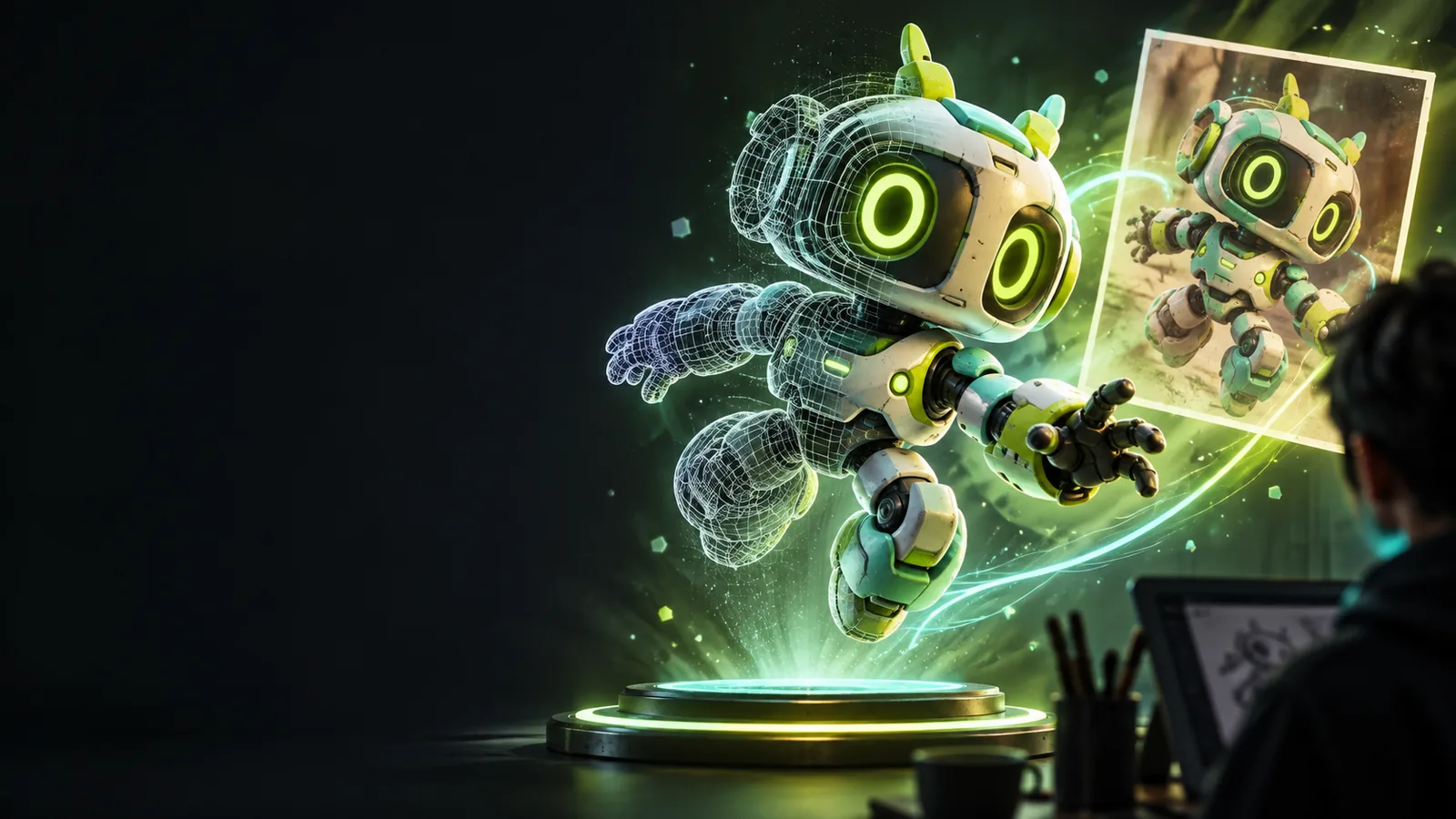
Photo to 3D is the process of interpreting visual information in a two-dimensional image to propose a shape with depth. It is a reconstruction or interpretation, not a direct extraction of everything about the original object.
The same basic idea serves different goals. A creator may want a recognizable shape, while someone preparing a physical object needs to check dimensions and surfaces.
Uses a character sketch to explore how a silhouette might read from another angle.
A starting shape to inspect and revise, rather than a finished character asset.
photo to 3d tutorial step by stepUses a product photograph to communicate the general form of an early concept.
A visual draft that still needs measurements before manufacturing decisions.
photo to 3d vs photoshopStarts with a reference image for a small figurine.
An initial model that must be checked for thickness, stability and printability.
convert image to 3d model for printingDecides whether a depth effect is enough or whether an object must be viewed from new angles.
A clearer choice between editing pixels and working with geometry.
photo to 3d alternative onlineA photo supplies visible clues, not a complete blueprint. The method used to interpret those clues determines how much geometry is proposed and how much must be corrected.
The image provides edges, shading, color and perspective cues. A clear subject against an uncluttered background makes those clues easier to interpret.
A reconstruction method proposes surfaces beyond the flat image. Parts outside the camera's view are inferred, so their shape may be plausible without being accurate.
Rotate the proposed object and look for distorted backs, missing gaps and uneven proportions. Refine or rebuild those areas when the model needs to serve a specific purpose.
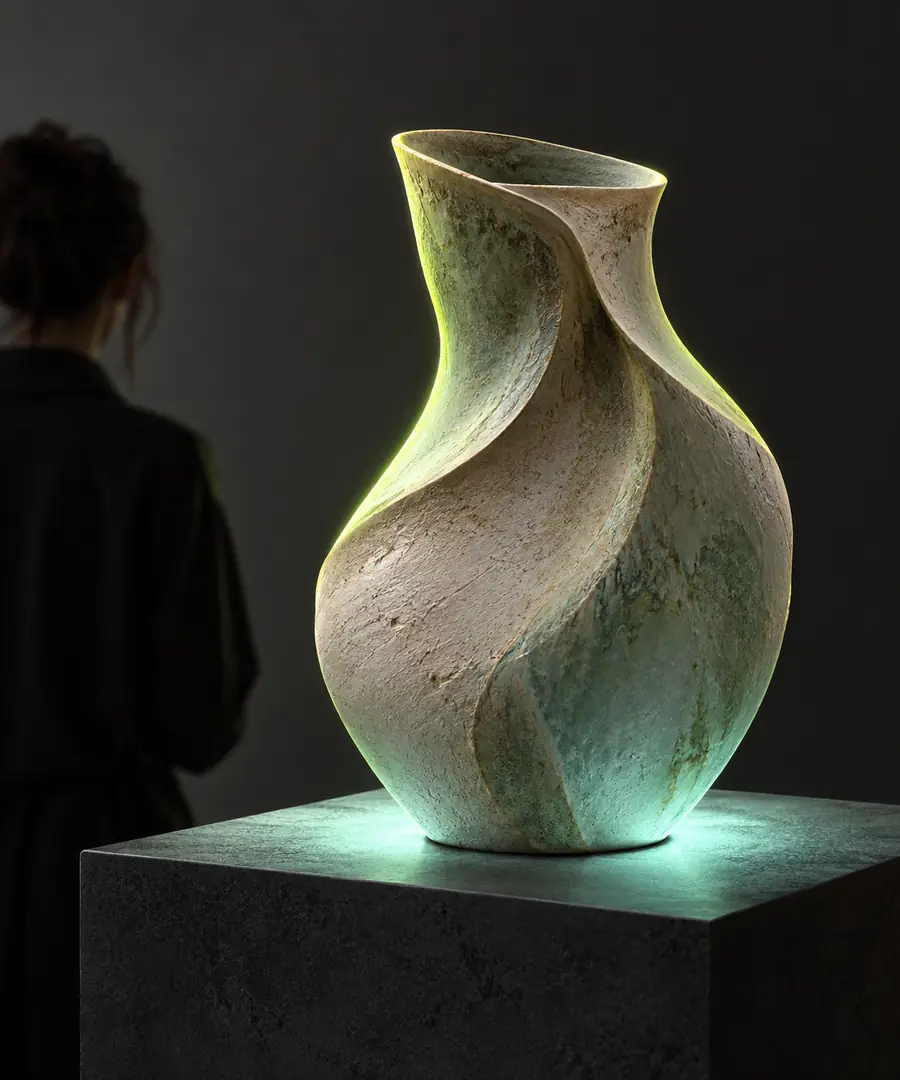 Image reference
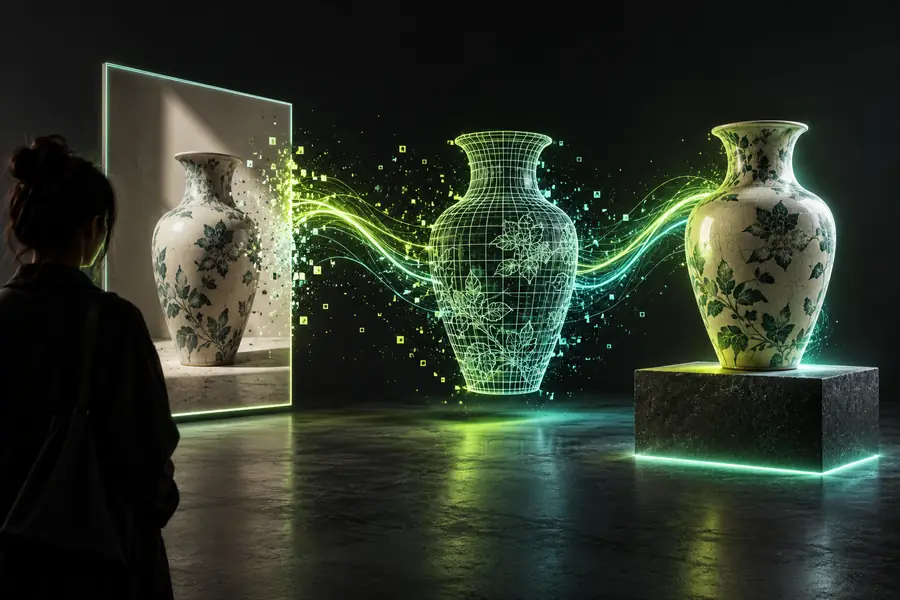 3D interpretation
A convincing view is not proof of a faithful reconstruction. The intended use determines which uncertainties you can accept.
One front-facing photo contains no direct evidence of rear details or surfaces hidden behind the subject.
Workaround
Add views from other angles or manually design the unseen areas.
Without a known dimension or reference object, image pixels do not establish real-world size.
Workaround
Measure the subject and set dimensions in a modeling tool.
A shape that looks acceptable from one angle may have holes, overlapping surfaces or awkward proportions elsewhere.
Workaround
Rotate and inspect the model, then repair geometry for its intended use.
A visually recognizable model can still have thin parts or unsupported features.
Workaround
Check thickness and stability, and prepare the model in appropriate printing software.
This comparison explains why photo to 3D often involves interpretation and revision, even when the visible side looks familiar.
Dimensions
Single photo
Pixel positions and apparent proportions
Usable 3D model
Spatial dimensions that can be inspected or set
Viewpoint
Single photo
One captured camera angle
Usable 3D model
A shape viewable from multiple angles
Hidden surfaces
Single photo
Not shown
Usable 3D model
Must be inferred, supplied or modeled
Depth
Single photo
Suggested by perspective and shading
Usable 3D model
Represented through spatial form
Color
Single photo
Recorded for visible image areas
Usable 3D model
May need placement across additional surfaces
Physical use
Single photo
No geometry to fabricate
Usable 3D model
Requires further checks before fabrication
Photo to 3D can help artists investigate form, designers communicate concepts and makers develop a starting model. Decide whether you need a visual draft, an editable asset or a physically usable object; each calls for a different level of inspection and refinement. Phototo3d points you toward 3D creation, not a guarantee that one image will produce a finished model.
Explore 3D creationIt means using a photograph or other flat image as a reference for a three-dimensional representation. The result adds estimated depth and surfaces that the original image does not directly show.
Not by itself. It can describe or help create a digital shape, but producing a physical object requires further preparation and a fabrication process such as 3D printing.
A single photo can show useful visible details, but it cannot document the back, concealed parts or exact scale on its own. Additional views and measurements improve the reference when accuracy matters.
No. An image with a depth effect can still be a flat picture, while a 3D model has spatial form that can be viewed from different angles. Check what kind of result you need before choosing a workflow.
A sharply focused subject with visible edges and even lighting is easier to interpret than a blurred or heavily obstructed one. Multiple angles are especially useful when the shape of hidden surfaces matters.