Product designer
You have a product reference but need a spatial concept for proportion and silhouette reviews.
Use a rough model to discuss shape before committing to detailed CAD work.
convert jpg to 3d image online freeImage workflow
An image to 3d model ai workflow uses a reference image to create a navigable 3D starting point for review, iteration, and downstream design work.
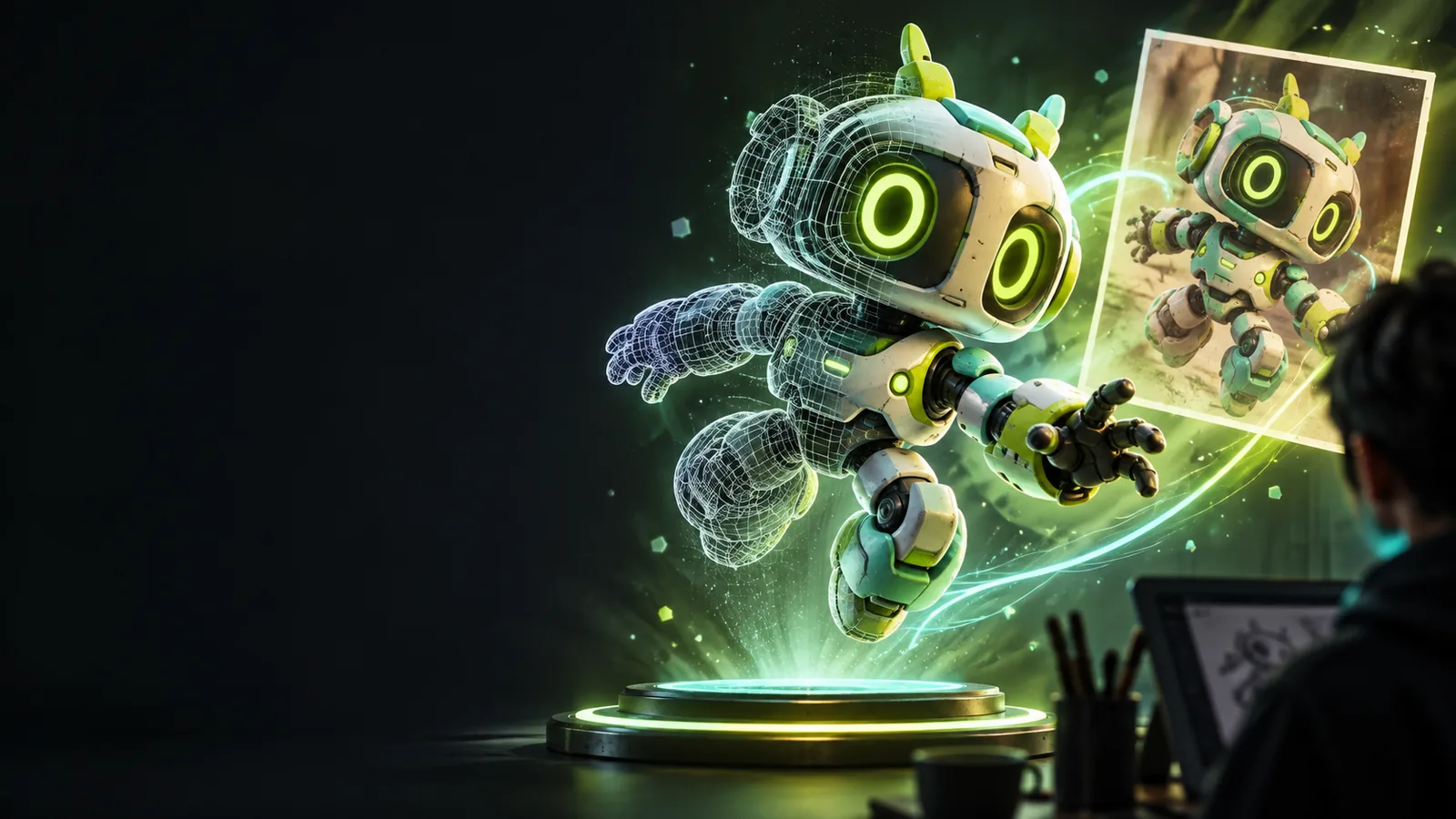
Practical uses
The value is not only the first mesh. It is the shorter path from a flat visual reference to something a team can inspect, compare, and refine.
You have a product reference but need a spatial concept for proportion and silhouette reviews.
Use a rough model to discuss shape before committing to detailed CAD work.
convert jpg to 3d image online freeA client supplies a single image instead of a full asset brief.
Create an editable starting point, then rebuild or sculpt the areas that need production accuracy.
convert image to 3d model for printingYou want to explore a character, prop, or creature from a visual reference.
Move quickly from visual direction to a form that can be viewed from multiple angles.
photo to 3d onlineYou need a tangible 3D interpretation of an image for a lesson, prototype, or discussion.
Give learners or collaborators a shared object to inspect instead of relying on a flat picture alone.
photo to 3d tutorial step by stepThree-stage flow
Treat the generated asset as a structured first pass: prepare the reference, generate the form, then inspect what needs correction.
Choose a clear image with a visible subject, useful contrast, and as little background clutter as possible.
Send the image with a concise description of the subject, its important features, and the intended level of detail.
Rotate the result, check thin or hidden areas, and decide whether it is ready for concept work or needs manual cleanup.
Related routes
Use the route that matches your source image and intended destination.
Output snapshot
An AI-generated model is best understood as a starting asset whose usefulness depends on the reference, the subject, and the required accuracy.
Primary form
Reference image
Shows one chosen viewpoint
Generated 3D starting point
Suggests volume across multiple viewpoints
Surface detail
Reference image
May include texture, color, and lighting cues
Generated 3D starting point
Interprets visible cues as approximate surface detail
Hidden areas
Reference image
Usually provides little or no evidence
Generated 3D starting point
Must infer unseen geometry
Editability
Reference image
Pixels are easy to annotate but not spatially edit
Generated 3D starting point
Can be inspected and adjusted as 3D geometry
Dimensional accuracy
Reference image
Depends on image scale and perspective
Generated 3D starting point
Not guaranteed without measurement or reconstruction
Best use
Reference image
Reference, mood, and visual direction
Generated 3D starting point
Concept review, blocking, and iteration
Production readiness
Reference image
Cannot directly become a mesh
Generated 3D starting point
May still need topology, materials, and cleanup
Visual check
The key change is from a single visual viewpoint to a form that can be rotated and judged spatially.
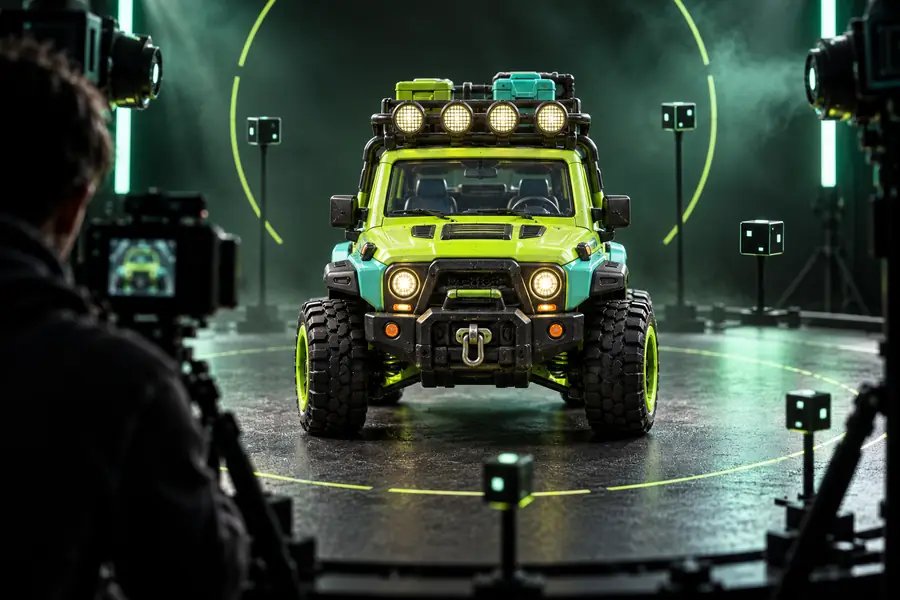 Before: image reference
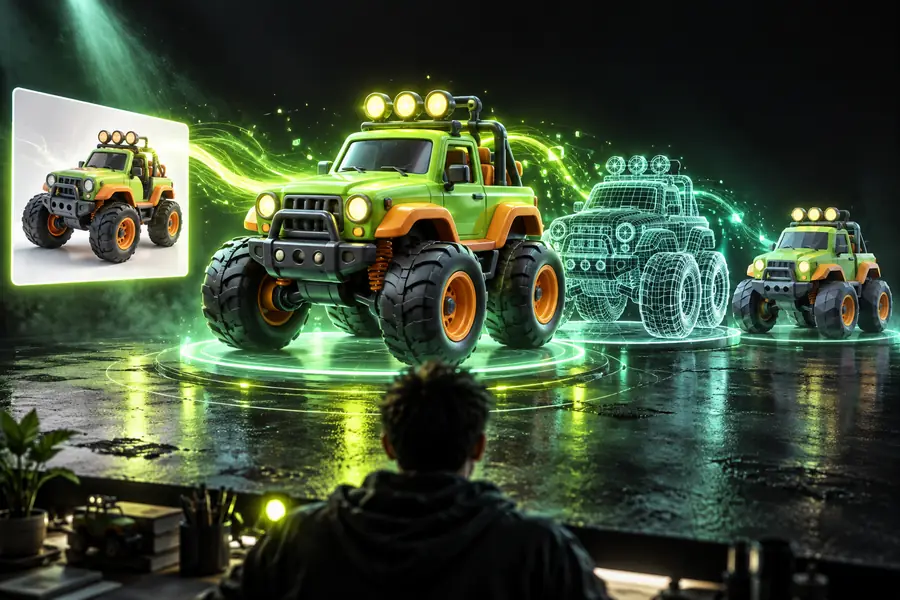 After: 3D starting point
Honest limits
Image-based generation is useful for exploration, but it does not remove the need for judgment or production checks.
A single image does not prove the shape of the back, underside, or interior. The generated geometry may be a plausible guess.
Workaround
Supply additional views when available, or rebuild uncertain areas manually.
Perspective, lens distortion, and missing scale make exact dimensions unreliable from one image.
Workaround
Use known measurements and verify critical dimensions in a suitable modeling workflow.
A visually convincing result may still have messy topology, thin walls, disconnected parts, or unsuitable material separation.
Workaround
Retopologize, repair, and validate the mesh for its intended use.
Small features, repeated patterns, and occluded details can be softened, merged, or omitted.
Workaround
Rotate the model, compare it against the source, and request targeted revisions before delivery.
Next step
Bring a clear image and a specific description of what matters most. Use the result to test form and direction, then keep human review in the loop for accuracy and finish.
Generate a 3D modelCommon questions
These answers clarify what an image-based AI workflow can reasonably provide and where additional work is still needed.
It is a system that interprets a 2D image and produces a three-dimensional model or model starting point. The output is an approximation based on visible evidence, so hidden geometry and exact dimensions may require correction.
Yes, a single image can be used to generate a plausible 3D form for concepting and inspection. Because one view does not reveal every surface, the result should be checked against the reference and treated as a starting point.
A clear image with a distinct subject, good contrast, and minimal obstruction is usually easier to interpret. A visible silhouette and readable major features are more useful than a heavily cropped, blurry, or cluttered reference.
Not automatically. Printing or production may require watertight geometry, suitable wall thickness, clean topology, accurate measurements, and material or part separation, so inspect and prepare the asset for its specific destination.
Accuracy depends on the image, subject, viewpoint, and the details the system can infer. It can be valuable for visual exploration and blocking, but it should not be assumed dimensionally accurate without independent measurements and validation.