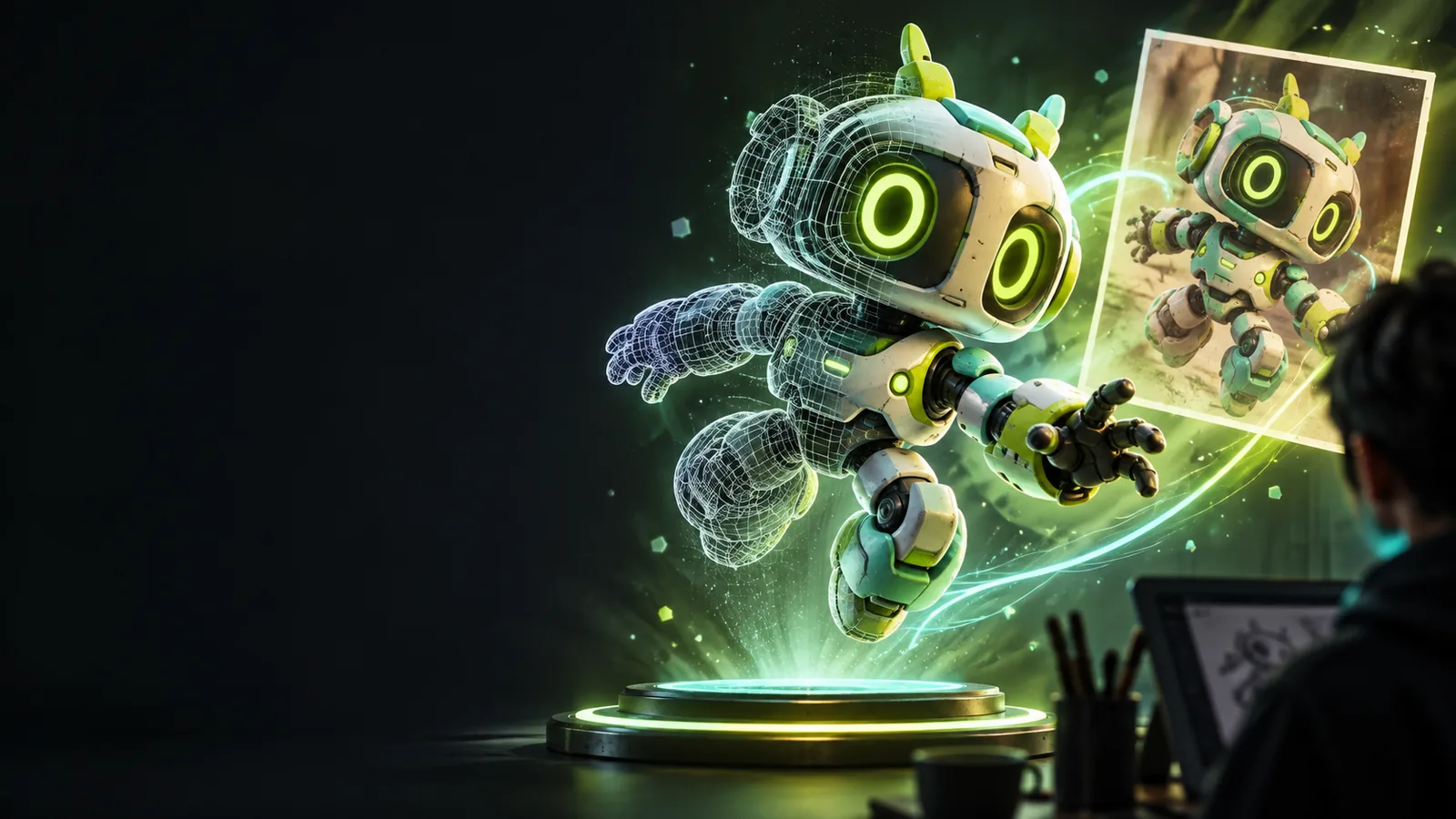
Phototo3d

Workflow comparison

Find a photo to 3d alternative online that fits your workflow Compare the trade-offs before you switch.

A photo to 3d alternative online can replace a fragmented modeling process when you need a fast starting point from a visual reference. Phototo3d helps you move from an image toward a workable 3D concept, while keeping expectations clear about detail, cleanup, and final use.

Review the result before export
Generated 3D model shown as a visual reference

Related routes

Total cost table

These nearby guides cover the practical paths people usually compare before choosing an image-driven 3D workflow.

Choose by outcome

Where quality differs

The best alternative depends less on novelty and more on what the finished asset needs to communicate or support.

Concept artists

You need a quick three-dimensional interpretation of a creature, prop, or character reference before committing to a full sculpt.

An image-driven starting point gives you form, silhouette, and proportion ideas to refine instead of beginning with an empty scene.

image to 3d model ai
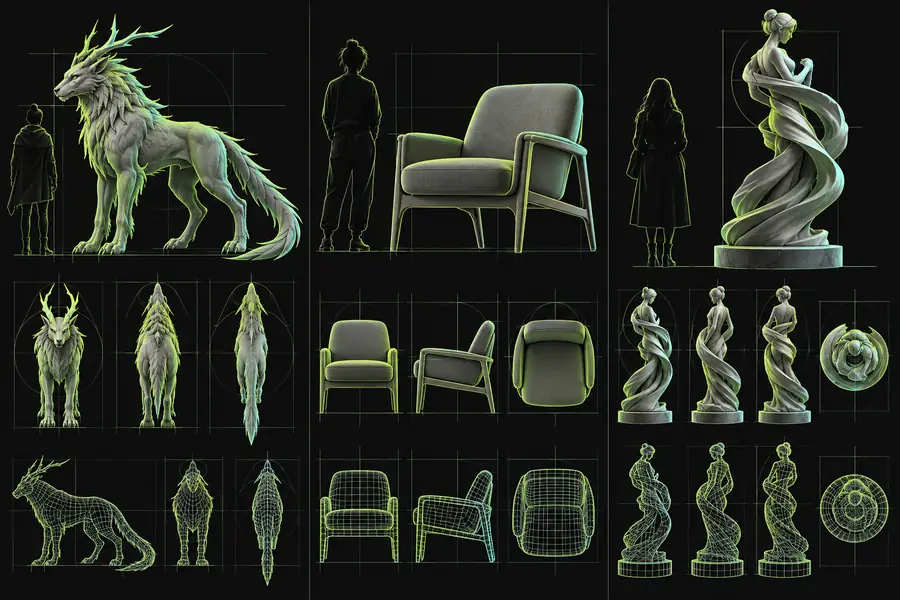
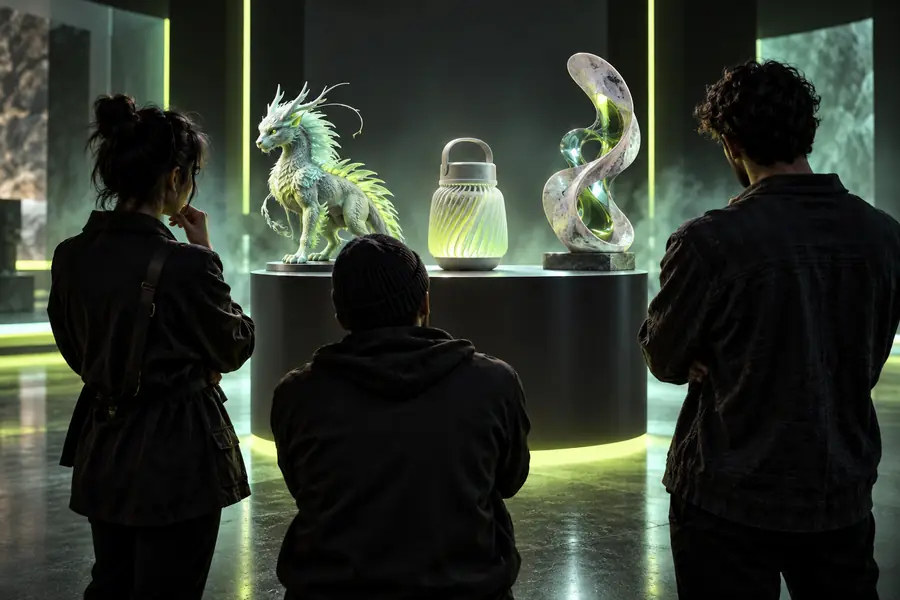
Product and visual designers

You are testing how a physical object might read from multiple angles during an early presentation or ideation cycle.

A rough model can expose shape problems that a polished flat mockup may hide, helping you decide what deserves detailed modeling.

photo to 3d online

Game and scene builders

You want to explore a prop or environmental object from a reference image without spending the first session on topology and blocking.

The model becomes a visual blockout for scale, placement, and mood, while production artists retain control over the final asset.

photo to 3d vs photoshop

Makers and educators

You need to explain how a two-dimensional reference can become a spatial object for a lesson, demonstration, or physical modeling exercise.

The intermediate 3D result makes the transformation easier to discuss, even when it still needs preparation for fabrication.

convert image to 3d model for printing

The practical flow

Where time differs

An alternative workflow is valuable when it shortens the distance between an idea and a testable shape without pretending to remove every modeling task.

  1. 1

    Prepare a useful reference

    Choose a clear image with a visible subject, readable silhouette, and enough visual information to communicate the intended object. A strong reference gives the process a better starting point than a cluttered or heavily obscured photo.

  2. 2

    Generate a first model

    Use the reference to create an initial 3D interpretation. Treat this pass as a structured draft: inspect the overall form, identify missing areas, and decide whether the result is suitable for presentation, iteration, or further production work.

  3. 3

    Review and refine

    Compare the model with the original image, then correct the parts that matter most for your use case. You may need sculpting, retopology, material work, scale checks, or repair before the asset is ready for a demanding final application.

See the difference

When switching is worth it

The strongest reason to switch is not that every generated surface is final. It is that a spatial draft can reveal decisions that remain invisible in a single flat reference.

Flat visual reference prepared for a model comparison Reference image
AI-assisted 3D model interpretation shown as an alternative workflow 3D starting point
A generated model is a starting point, not a guarantee of production-ready topology.

Side by side

Comparison FAQ

Use this table to separate the value of a faster starting point from the work that still belongs in a conventional 3D pipeline.

Phototo3d workflow
Manual or flat-image workflow

Starting input

Phototo3d workflow

A visual reference can become the basis for a 3D interpretation.

Manual or flat-image workflow

You begin with a flat image, sketches, or direct modeling decisions.

First useful result

Phototo3d workflow

A spatial draft helps you inspect form and silhouette early.

Manual or flat-image workflow

A useful 3D result usually arrives after blocking and manual construction.

Control over topology

Phototo3d workflow

Topology may require inspection and cleanup after generation.

Manual or flat-image workflow

Manual modeling provides direct control over edge flow from the beginning.

Reference fidelity

Phototo3d workflow

Strongest for overall shape and visual interpretation rather than every hidden surface.

Manual or flat-image workflow

More controllable when exact dimensions and unseen areas are already known.

Iteration style

Phototo3d workflow

Useful for testing several directions from reference images.

Manual or flat-image workflow

Useful when each revision must follow a precise, repeatable specification.

Production readiness

Phototo3d workflow

Often needs refinement before animation, fabrication, or complex rendering.

Manual or flat-image workflow

Can be production-ready when built to the required technical specification.

Best role

Phototo3d workflow

Concepting, blockout, visual exploration, and early asset development.

Manual or flat-image workflow

Final modeling, technical delivery, and high-control asset production.

What changes first

Decision signals

These are not promises of guaranteed output. They are the measurable workflow differences to consider when comparing an image-led starting point with manual work.

A single clear image can provide the starting visual direction.
1 reference
The practical path is reference, first model, then review and refinement.
3 stages
The workflow moves from a flat visual reference toward a spatial model.
2 dimensions
No automated first pass removes the need for judgment and production checks.
0 guarantees

Honest caveats

Limits to know

A good alternative is easier to evaluate when its boundaries are explicit. Use the route for the work it supports, and keep a human review step for everything consequential.

It cannot recover hidden geometry with certainty

One image does not fully describe the back, underside, internal structure, or exact depth of an object. The result may make a plausible interpretation rather than reproduce facts that were never visible.

Workaround

Use multiple references or manually rebuild the areas where accuracy matters.

It cannot promise production topology

A visually convincing model may still need retopology, cleanup, UV work, material setup, or rigging before it belongs in a demanding production pipeline.

Workaround

Treat the output as a blockout or starting mesh and schedule a technical pass.

It cannot replace precise measurements

A photo rarely carries reliable scale information by itself, so an attractive model should not automatically be treated as dimensionally accurate.

Workaround

Add known measurements and verify scale in the destination application.

It cannot decide the right finish for you

The same reference may need different levels of detail for a concept board, game asset, educational model, or physical print.

Workaround

Define the final use before refining geometry, materials, and export settings.

Next step

Make the switch when the draft is the bottleneck

Turn your next reference into a useful 3D starting point

If manual blocking is slowing down exploration, try Phototo3d as an alternative starting point. Bring a clear reference, inspect the result critically, and use the first model to guide the next creative or technical decision.

Create a 3D starting point
  • Start from a visual reference
  • Evaluate shape before detailed production
  • Keep refinement in your own workflow

Common questions

Comparison FAQ

Answers for visitors deciding whether an image-driven model workflow is a better fit than their current alternative.

The best alternative depends on whether you need a fast concept, a visual blockout, a printable object, or a production-ready asset. Phototo3d is most useful when a reference image can give you a meaningful starting point and you are prepared to review and refine the result.

It can be better for early exploration because it reduces the time needed to reach a spatial draft. Manual modeling remains stronger when you need exact dimensions, controlled topology, predictable deformation, or a carefully specified final asset.

Not from a single ordinary image with certainty. Hidden surfaces, depth, scale, and fine construction details may be ambiguous, so the output should be treated as an interpretation unless you provide additional references and verify the important geometry.

It may provide useful geometry for a printing project, but printing readiness requires separate checks. Confirm that the mesh is closed, appropriately scaled, structurally sound, and compatible with your slicer or fabrication workflow before producing the object.

Choose Photoshop or another image editor when the final result is meant to remain a flat composition, retouched photograph, mockup, or painted concept. Choose a 3D workflow when you need to inspect, place, light, or revise the subject as a spatial object.

Check the clarity of your reference, the importance of hidden geometry, the accuracy your project requires, and the amount of cleanup you can support. If speed to a useful draft matters more than immediate technical perfection, an image-led workflow is worth testing.

Create a 3D model
Create a 3D model